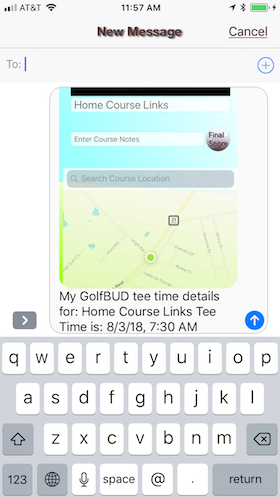
GolfBUD  (Action Menu Icon) Feature
Touching the action menu icon in the upper right corner of your scorecard or the tee time view displays a menu of options for sending and printing your scorecard. This interface is built into your iOS and the options will vary based on your device setting.
Send Scorecard
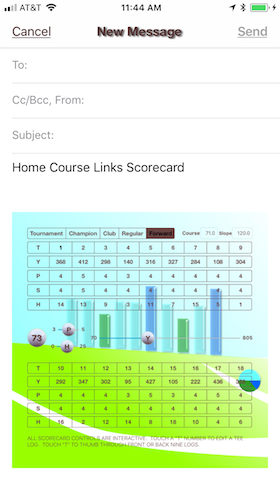
An example of sending a scorecard in an email.
Send Stats
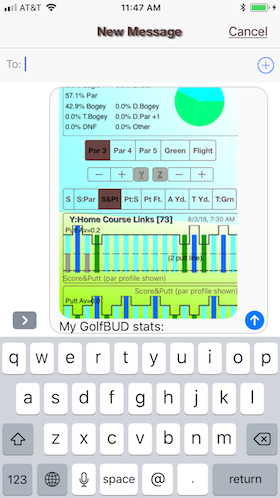
An example of sending a statistics view in a text.
iTunes, Downloads Are Forever
iTunes Screenshot with GolfBUD Files Highlighted
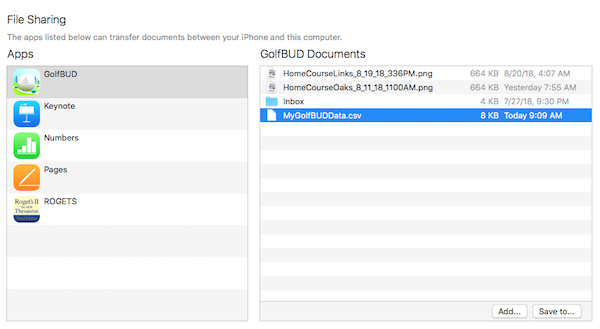
- MyGolfBUDData.csv is maintained by GolfBUD
- Each course scorecard has an iTunes downloadable image
- GolfBUD keeps these files current
- Deleting a GolfBUD course deletes it from the csv file
- Download your csv before deleting GolfBUD courses
- Deleting a GolfBUD course does not delete the image
- Delete old scorecards
Data Nerd?
A Sample MyGolfBUDData.csv Opened in Numbers
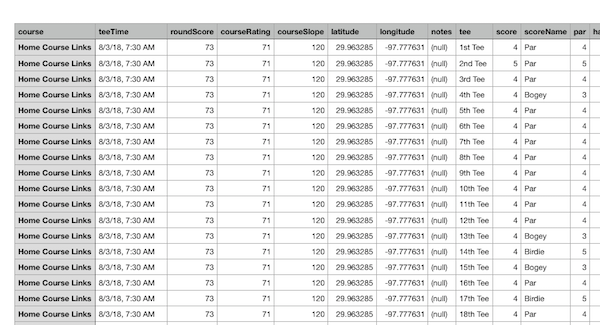
- You can keep a running spreadsheet of your golf games
- The csv is compatible with all spreadsheet applications
GolfBUD "Send Tees" Feature
The information box that presents the "Tee Shot" and "On The Green" statistics offers a "Send Tees" button.
Touch "Send Tees"
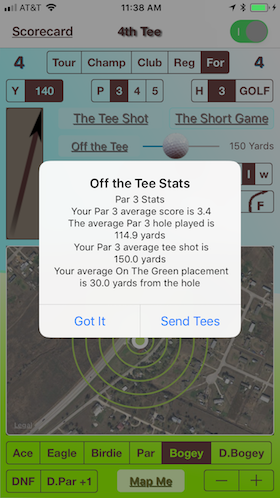
Touching "Got It" dismisses the box. Touching "Send Tees" presents a menu of options to share or save your tee information.
"Send Tees" menu
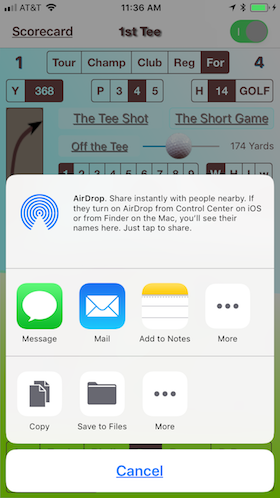
Example of the "Send Tees" option menu.
Statistics As a Message
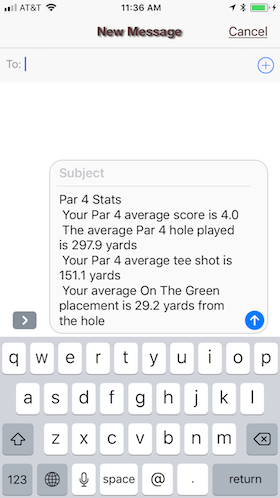
Example of "Message" option.